Major Android Project
PiHoleMonitor
Monitor and manage one or more Pi-hole installations from a focused native Android interface.
Your Pi-hole on Android
PiHoleMonitor connects directly to your own Pi-hole server and brings statistics, DNS activity, administration and system information together in one app. It is designed for private Pi-hole users, homelabs and small-network administrators.
A reachable Pi-hole v6 installation is required. PiHoleMonitor does not install Pi-hole, act as a DNS server or provide a VPN connection.

Core features
Monitor, inspect and manage
Everything needed for regular Pi-hole monitoring and common administration tasks.
Dashboard
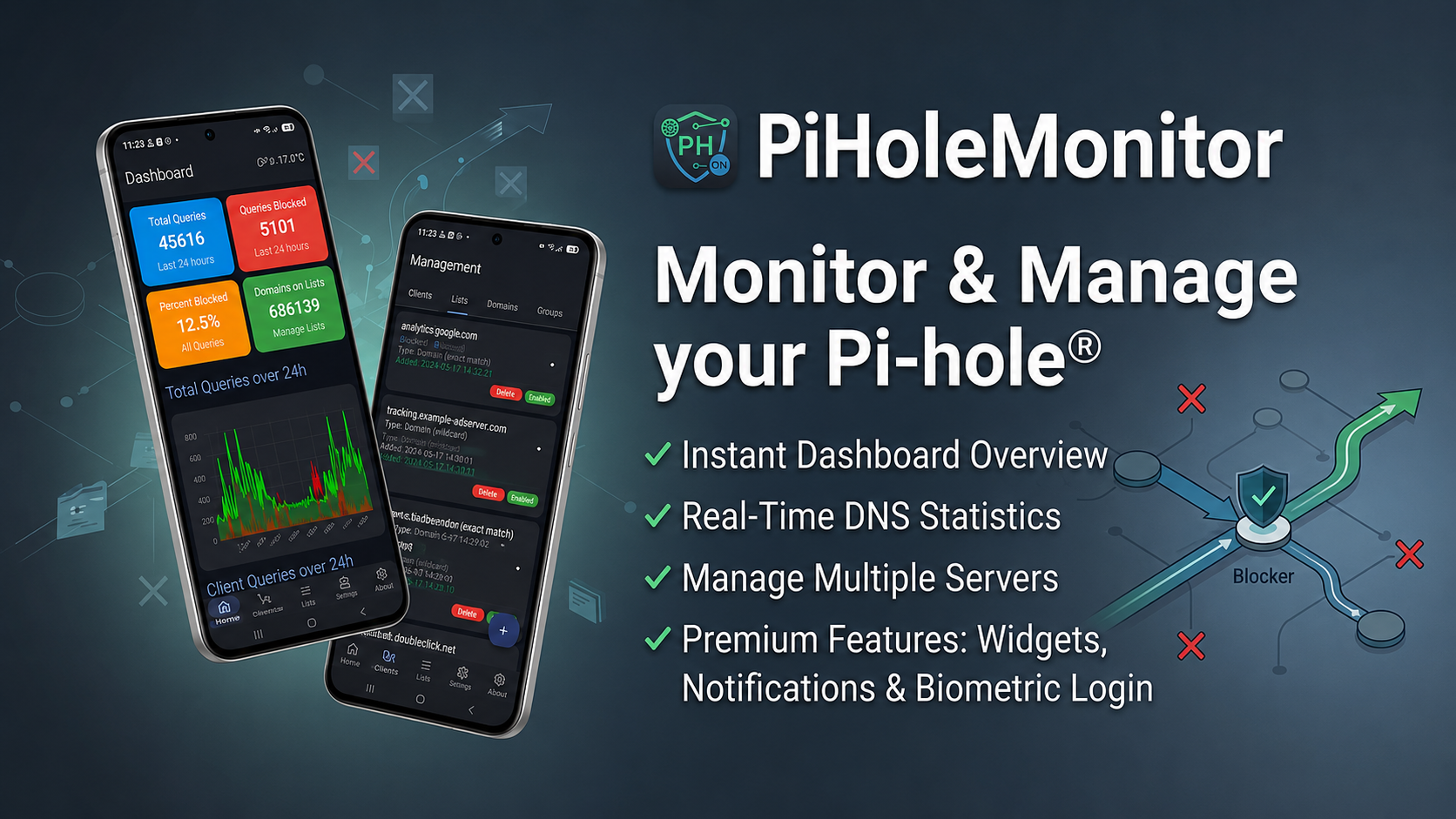
View total queries, blocked queries, blocking rate, query history, upstreams and top domains or clients.
DNS Query Log
Browse allowed and blocked queries, refresh results and narrow them by domain, client, status or time range.
Domain Management
Add, edit, enable, disable or remove allow and deny entries directly from the app.
Lists, Clients & Groups
Manage Pi-hole lists, configured clients and groups, including comments and group assignments.
Multiple Servers
Store several Pi-hole configurations, switch between them and define a preferred default server.
Network Devices
Review devices known to Pi-hole and inspect their associated addresses.
System Information
Access host, network, DHCP, version, sensor and FTL information provided by your Pi-hole server.
Pi-hole Controls
Enable or disable blocking, use a timer and perform selected maintenance actions with confirmation prompts.
Widgets and notifications
Home Screen Widgets
Keep Pi-hole statistics and blocking status visible on your Android home screen. A dedicated widget can also toggle DNS blocking.
Background Polling
Android WorkManager can periodically check configured servers for new messages and version changes.
Optional Push
With PiHoleWatcher, UnifiedPush and a compatible distributor such as ntfy, selected events can be delivered as push notifications.
Biometric Protection
Protect app access and selected widget actions with biometrics or the device screen lock where supported.
Note: Push notifications require separately configured external components. Android background restrictions may delay periodic checks.
Flexible server connections
Local or Remote
Connect to local network addresses or securely exposed servers through your own VPN or reverse proxy.
HTTP and HTTPS
Configure protocol, host, port and an optional URL subpath for reverse-proxy setups.
Certificate Handling
Use normal trusted HTTPS certificates or explicitly verify and bind a self-signed certificate to a specific server.
Eight Languages
Available in English, German, French, Spanish, Italian, Dutch, Polish and Portuguese.
Privacy-focused by design
Your Pi-hole data is read directly from the servers you configure. The app contains no advertising network and no general-purpose analytics SDK. Server credentials and session data are stored locally in protected form.
Optional features such as UnifiedPush, support requests or crash reports may communicate with services selected or configured for those purposes. Diagnostic reports can contain technical network information and should be reviewed before sharing.
Requirements and limitations
- Android 10 or newer.
- A reachable Pi-hole installation using the Pi-hole v6 REST API.
- Remote access must be configured and secured by the user.
- Some advanced administration, filtering, system and widget functions may require the Supporter edition.
- Available host, DHCP, sensor and network information depends on the configured Pi-hole system.
Disclaimer: PiHoleMonitor is an independent application and is not affiliated with or endorsed by the Pi-hole project. Pi-hole is a registered trademark of Pi-hole, LLC.